Foodzone includes several Australian and New Zealand food composition databases. Each profile has its own food database — you choose it when you complete the profile, and it drives that profile's diary and reports.
Change a profile's database
- From the profile's diary, select Profile in the header.
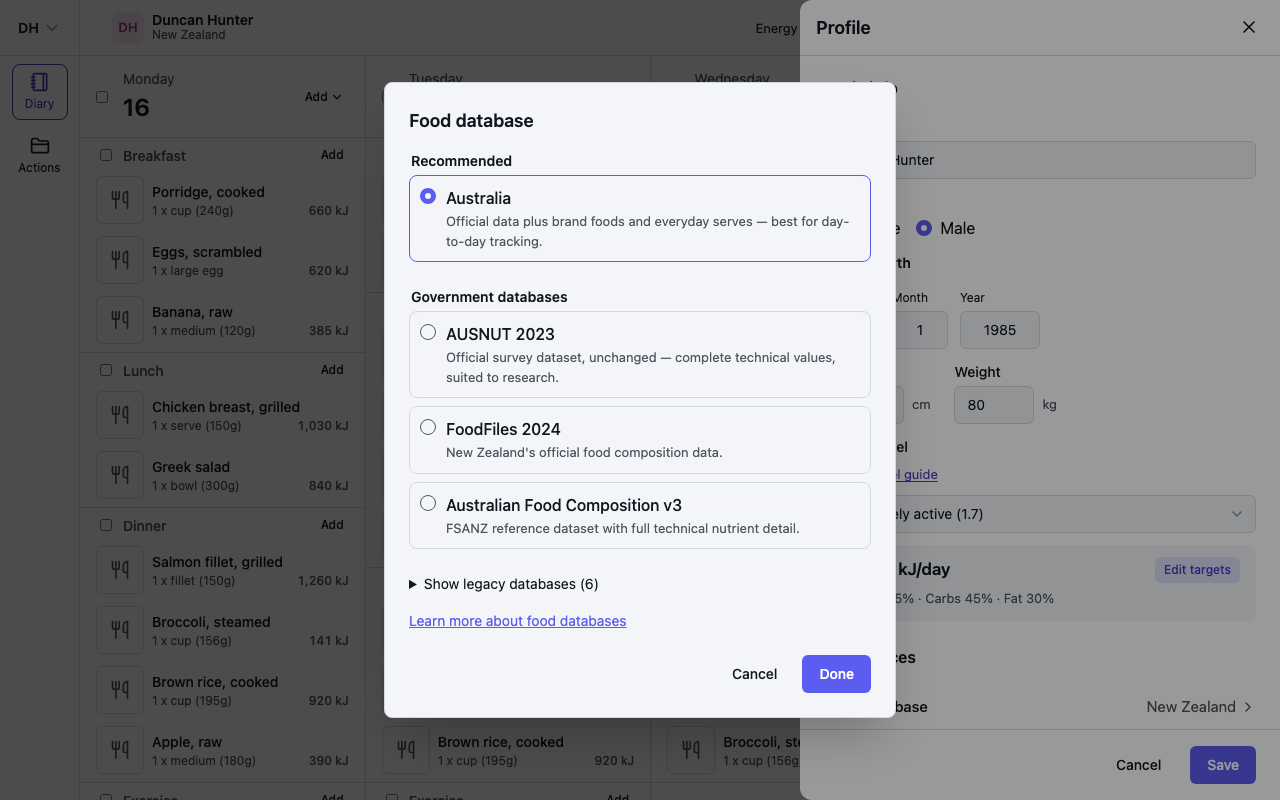
- Under Preferences, select the Food database row and pick a database in the dialog that opens:
- Recommended — Australia. Builds on the official data with added brand foods and everyday serving measures, so it works like a familiar food tracker. The best choice for day-to-day tracking.
- Government databases — AUSNUT 2023, FoodFiles 2024, Australian Food Composition v3. The official datasets, unchanged, with the complete technical nutrient values — suited to research and academic use.
- Show legacy databases — earlier releases, including Australia (legacy), kept so older data keeps its original values.
- Select Done, then Save.
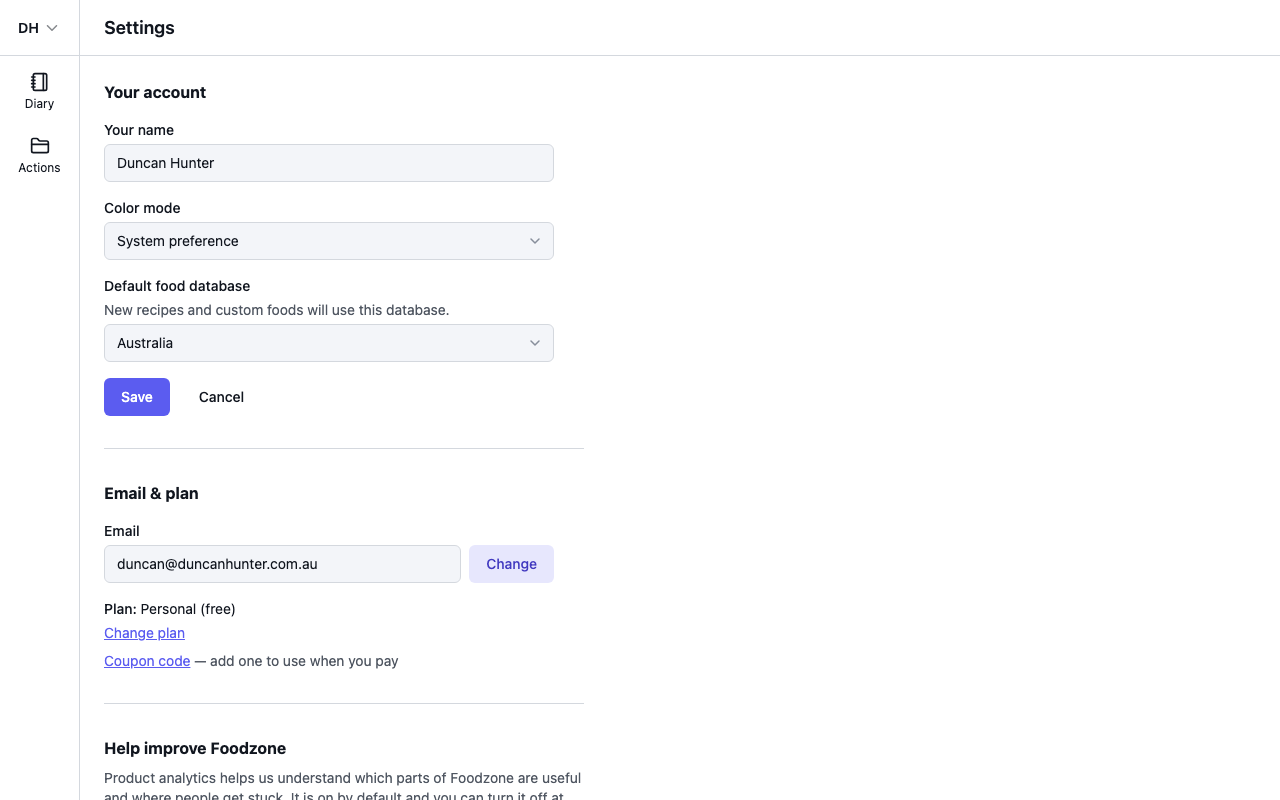
The default in Settings
Settings also has a Default food database (for your account, or set per team on a Team plan). New accounts start on Australia. It is only a default: new recipes and custom foods use it, and new assessments start on it. Changing it never changes existing profiles — each profile's own setting applies.